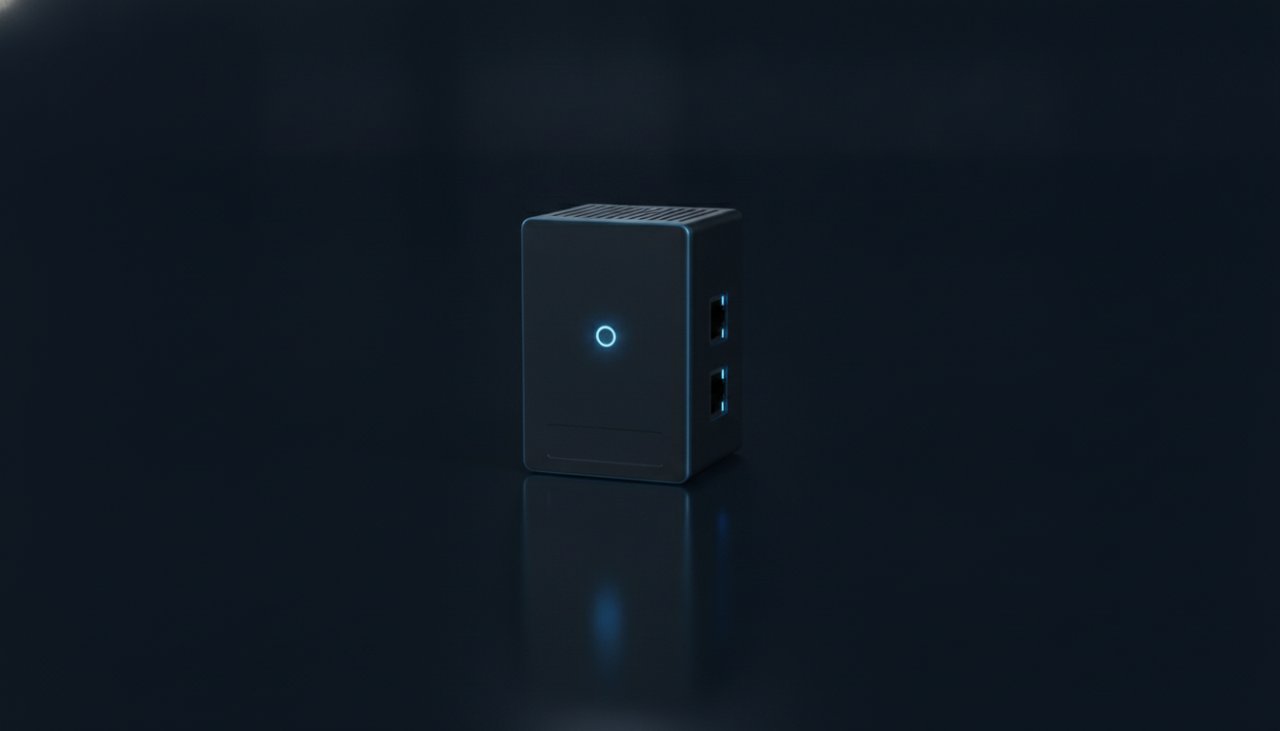
Edge S
4video streams
One restaurant or small site.
- Your cameras, or a Starter kit (2 cameras)
- 2 network ports
- Shelf or wall
An edge device at each site reads its cameras locally and turns what they see into readings. Only the readings leave the building, plus the stills and clips you ask for. Three models, sized by how many video streams a site has.
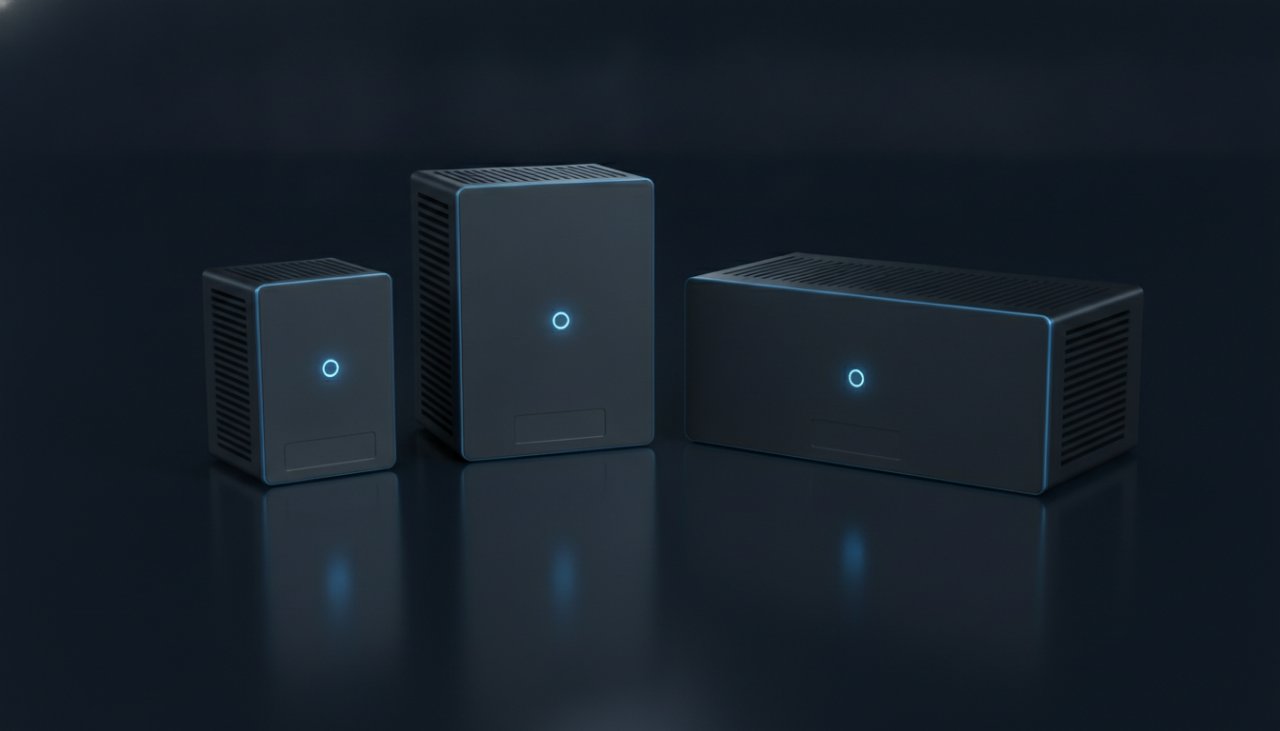
One device per site. Pick the model that covers the site's cameras, with room to add more. The devices are built on VaiSense, the edge AI hardware line of LatticeWork, Inc., VideoBI's parent company.
One restaurant or small site.
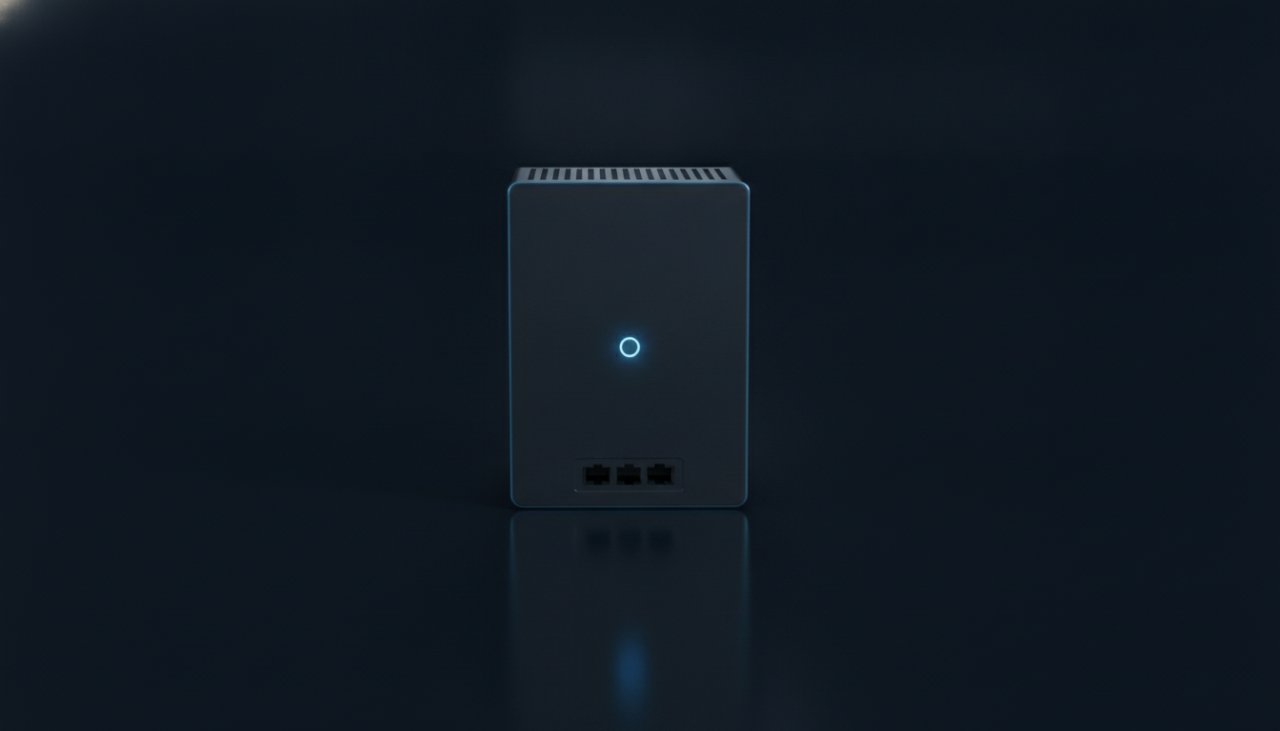
Large or flagship restaurants, small warehouses, properties.
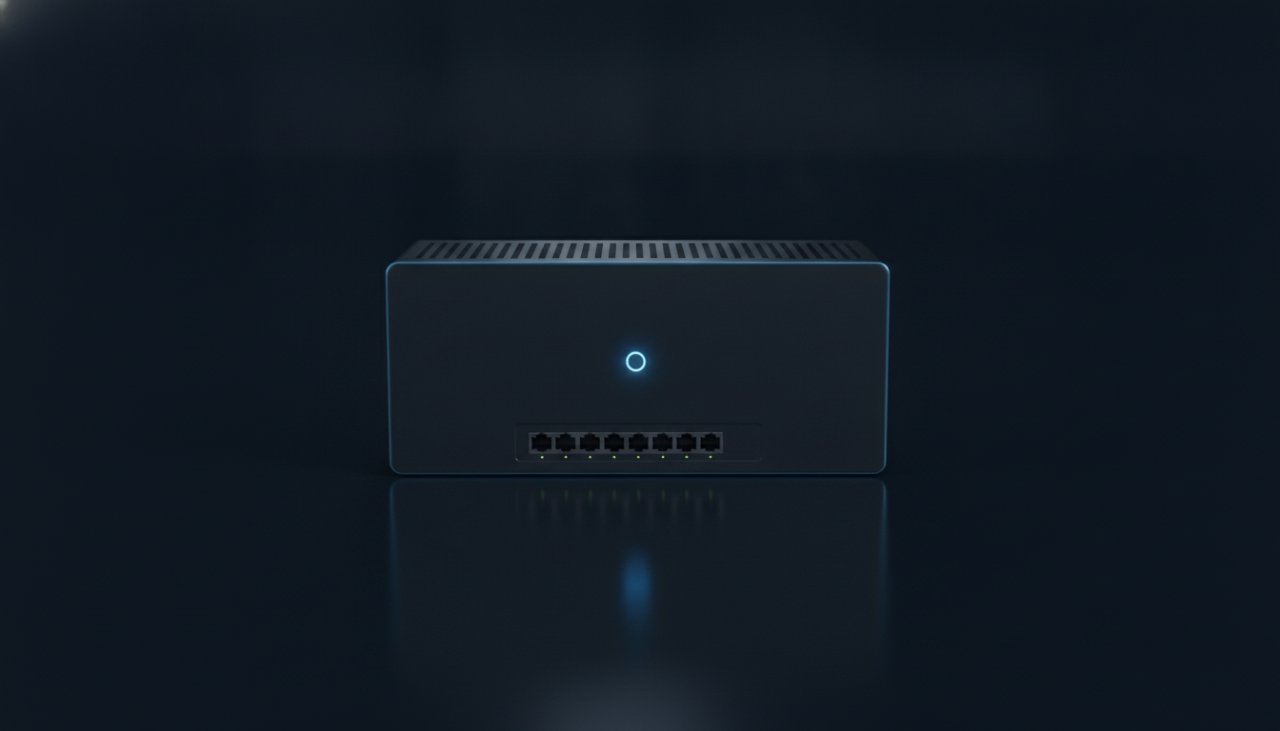
Distribution centers, campuses, large job sites.
| Edge S | Edge M | Edge L | |
|---|---|---|---|
| Video streams | Up to 4 | Up to 16 | Up to 64 |
| Typical site | One restaurant or small site | Large or flagship restaurants, small warehouses, properties | Distribution centers, campuses, large job sites |
| Cameras | Your cameras, or a Starter kit (2 cameras) | Your cameras, or a Professional kit (6 cameras) | Your cameras, or cameras sized to the site |
| Network | 2 network ports | 4 network ports | 8 network ports |
| Mounting | Shelf or wall | Shelf or wall | Rack |
| On every model | Local video analysis · rolling video kept on the device for evidence · remote updates · health reporting · outbound-only connection | ||
The device connects out to VideoBI over an encrypted connection and asks for work: a snapshot, a clip, a live view someone requested. No inbound ports, no VPN, no video streaming to the cloud.
# what leaves the building: readings, not video
12:41:05  store_45  dt_queue      car      count=9  wait_s=192
12:41:05  store_45  dt_window     car      out      total_s=231
12:41:06  store_45  cam-drive     health   healthy
12:41:07  store_45  request       snapshot cam-drive  → uploaded
We'd like to use analytics cookies to see how people use this site, and LinkedIn's tag to measure our ads. Both stay off unless you accept. Cookie notice